

 By
By Introduction
Vizio televisions are popular for their outstanding picture quality and affordability, but like any electronic device, they can face issues—such as the dreaded blank screen. Encountering a blank screen often leads to confusion and frustration, yet it’s a common problem that many Vizio TV owners have successfully resolved. This guide will walk you through the potential causes and, more importantly, the solutions to these issues.
Understanding the Vizio Blank Screen Issue
When your Vizio TV screen goes blank, the first step is understanding what might be wrong. The causes range from minor glitches, like loose cables or incorrect settings, to more severe problems like hardware failures. By identifying the exact nature of the problem, you can save time and effort, focusing on efficient solutions.
Typically, screen issues can be divided into four main categories: power supply problems, connection issues, software malfunctions, and physical damage. Knowing the possible causes prepares you for the next steps in troubleshooting.
Initial Troubleshooting Steps
Addressing potential problems with simple fixes can often solve the screen issue in minutes:
-
Check Power Connections and Remote Settings: Ensure all power cords are fully plugged in, both to the TV and the wall socket. Test your remote control by replacing the batteries or using the power button on the TV itself.
-
Verify HDMI Connections: Inspect each HDMI connection. Unplug and reconnect cables to confirm they are secure. Ensure no debris or dust affects the connections.
-
Perform a Soft Reset: Unplug the TV from the power source, wait for 60 seconds, and then plug it back in. Turn on the TV. This can resolve temporary glitches that cause the screen to go blank.
By performing these initial checks, you can often resolve the screen blanking out without extensive troubleshooting. If the issue persists, consider advanced techniques to uncover underlying problems.
Advanced Troubleshooting Techniques
If basic checks haven’t resolved the blank screen, try these advanced troubleshooting methods:
-
Updating Firmware and Software: Outdated software can lead to functionality issues. Access your TV’s settings, search for software updates, and apply them if available. This process can rectify many software-related problems.
-
Checking and Adjusting Display Settings: Explore the TV’s picture settings and reset them to default. Incorrect adjustments might cause the screen to appear blank.
-
Testing with Different Input Devices: Connect alternate devices such as a DVD player or gaming console. Doing so helps verify if the issue lies with the TV or a particular input.
Advanced troubleshooting tackles deeper issues often related to software. These steps can pinpoint factors that might not be visible on the surface. Should these not rectify the issue, consider evaluating potential hardware concerns.
Hardware Issues and Professional Assistance
Some blank screen issues are rooted in hardware faults. To address these, start by examining visible elements and then decide on further action:
-
Identifying Potential Hardware Problems: Look for physical signs of damage, like frayed cables or scratched ports. Internally, issues such as faulty circuits might require attention.
-
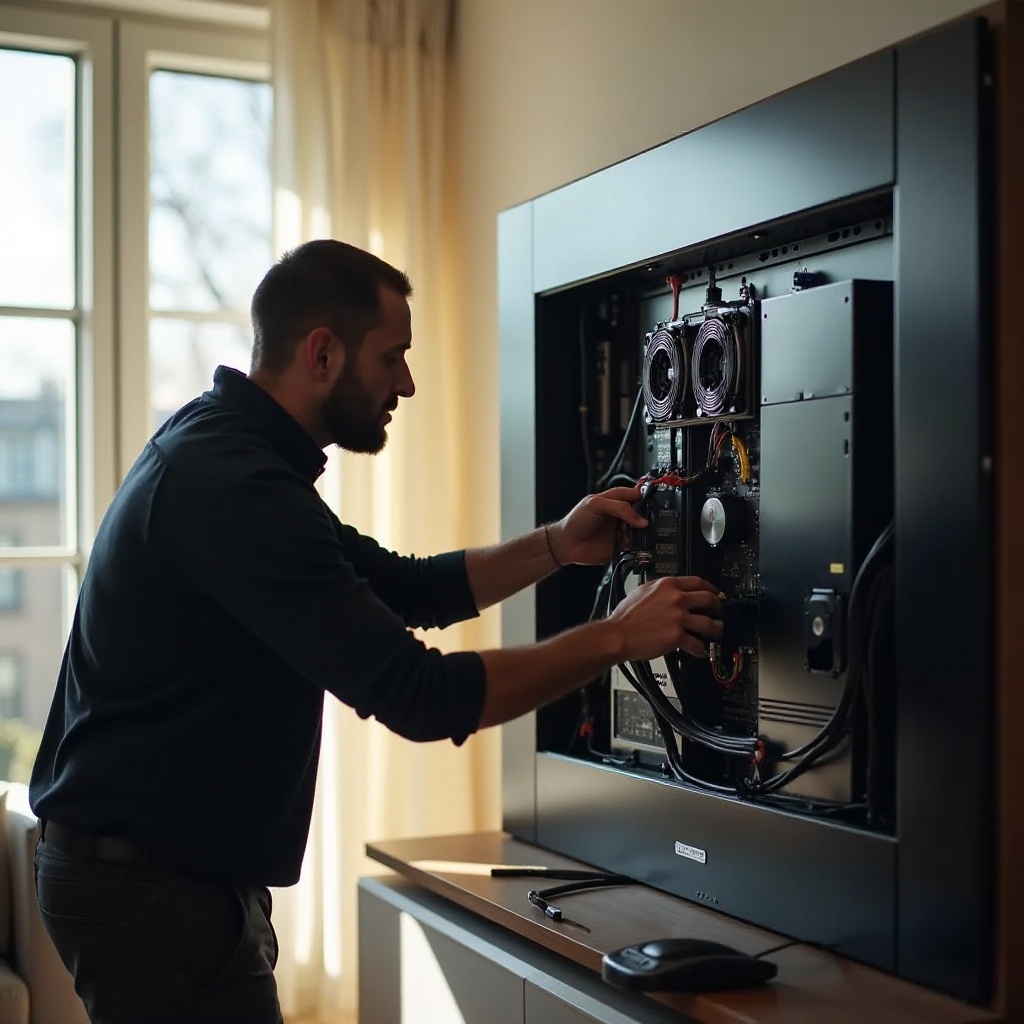
When to Call a Professional: Persistent issues indicating internal damage warrant professional evaluation. Vizio support or a certified technician can provide repair services when do-it-yourself efforts fall short.
Taking proactive measures ensures proper diagnosis and repair. Relying on experts avoids exacerbating problems through incorrect repairs, providing long-term solutions.
Preventive Measures for Vizio TV Users
Prevention is key to avoiding future screen problems. Regular maintenance guarantees your TV functions as intended:
-
Regular Maintenance Tips: Dust and clean TV components and connectors periodically to ensure optimal function. This reduces the risk of overheating and poor contact.
-
Best Practices for Preventing Screen Issues: Use only compatible cables and power sources. Try not to switch input sources excessively, as this might strain internal components.
Preventive actions can extend the lifespan of your TV and ensure seamless functionality. Staying informed about and adapting to new technological advancements help fend off potential problems.
Conclusion
Resolving a Vizio blank screen issue involves a combination of simple checks and more detailed troubleshooting. Most problems can be managed effectively at home with the detailed instructions provided in this guide, but never hesitate to seek professional help if needed. Regular updates and proper maintenance are crucial in preventing screen problems before they occur.
Frequently Asked Questions
Why does my Vizio TV screen turn black but still has sound?
This could be due to a backlight, connection, or input issue. First, ensure all physical connections are secure and correctly set. Also, test with other devices to confirm.
How often should I update my Vizio TV firmware?
It’s advisable to check for firmware updates every few months or whenever you notice performance issues. Regular updates can prevent bugs and improve functionality.
Can a factory reset fix the Vizio blank screen issue?
A factory reset can resolve software-induced issues. However, it should be a last resort, as it will erase all settings and customized configurations.