

 By
By Introduction
Maintaining your PS4 disc drive is vital to ensure that your console functions smoothly and efficiently. Regular cleaning prevents many common issues such as reading errors, which can severely disrupt your gaming experience. This guide will walk you through the process of cleaning your PS4 disc drive thoroughly, with step-by-step instructions to ensure you maintain your console in optimal condition.
Why Cleaning Your PS4 Disc Drive is Essential
Ensuring your PS4 disc drive is free from dust and debris is crucial. Accumulated dust can hinder the laser’s ability to read discs accurately, leading to freezing or crashing during gameplay. Regular cleaning aids in maintaining the performance and increases the lifespan of your gaming console, letting you enjoy uninterrupted gaming sessions.
Proper maintenance begins with equipping yourself with the right tools for the task. Let’s ensure you’re prepared with everything you need.
Tools and Materials Needed
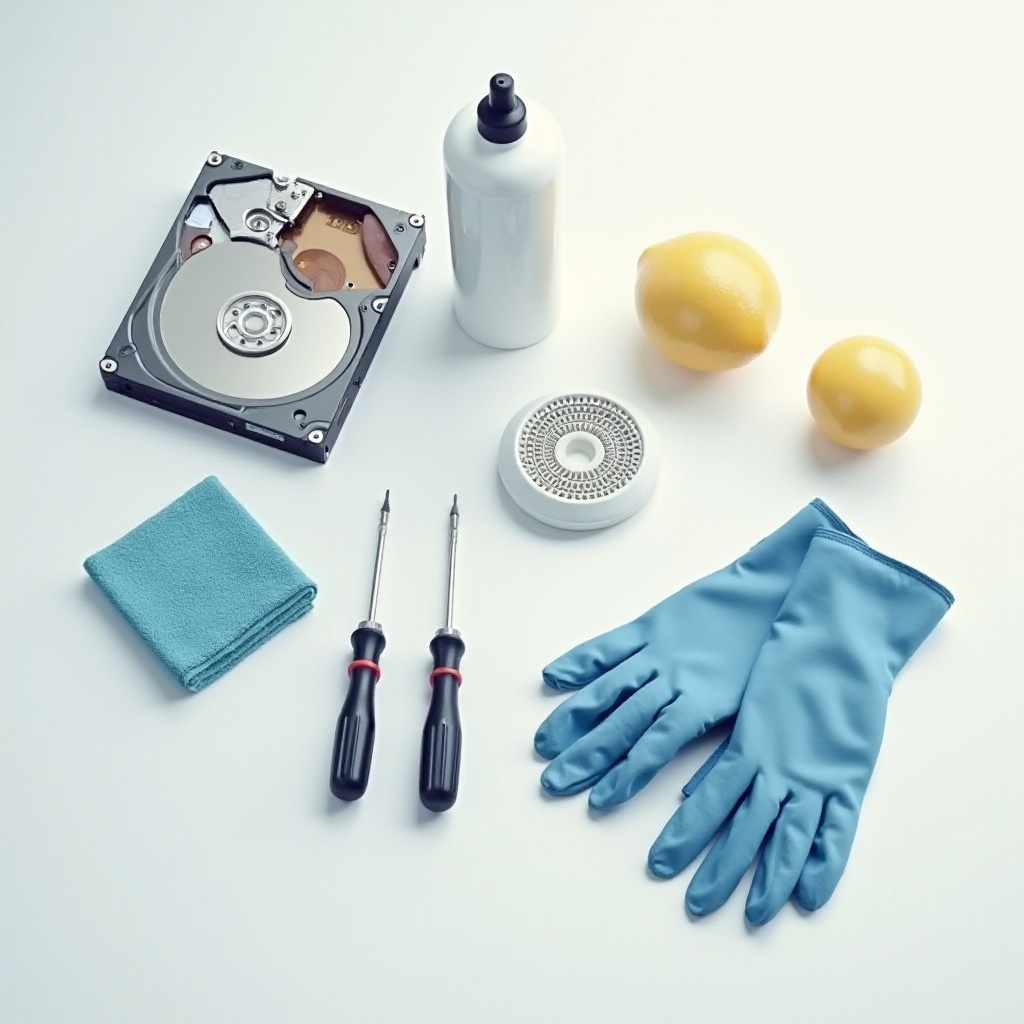
Gathering the appropriate tools and materials is the first step in the cleaning process. Here’s what you’ll need:
– Microfiber cloth: Ideal for delicate surfaces.
– Canned air: Helps blast away dust without physical contact.
– Soft-bristle brush: Useful for gentle dusting.
– Isopropyl alcohol (90% or higher): Effective for cleaning stubborn residue.
These tools are essential for safely cleaning your PS4 disc drive without causing any damage. Once your materials are in place, you can proceed to the next phase of preparation.
Preparing Your PS4 for Cleaning
- Powering Down and Unplugging: Ensure your PS4 is completely powered down. Press the power button until you hear two beeps signaling a full shutdown. Unplug all cables to ensure your safety and prevent short circuits.
- Setting Up a Clean Workspace: Choose a stable, clean, and well-lit area to work. Lay down a soft towel or cloth to prevent scratches and protect your console. With your space ready, you can now start the cleaning process effectively.
Step-by-Step Guide to Cleaning the PS4 Disc Drive
- Removing the Console Casing: Carefully remove the console’s outer shell. Most PS4 models allow you to slide off the casing with ease, no tools needed.
- Cleaning with Canned Air: Hold the canned air upright. Use short bursts to blow away dust from the disc drive. This helps clear out particles without introducing moisture to sensitive parts.
- Gently Wiping the Laser Lens: Moisten a corner of your microfiber cloth with isopropyl alcohol. Gently wipe the laser lens in a circular motion to remove any smudges. Avoid applying too much pressure to prevent damaging the lens.
This cleaning regimen effectively removes dust and potential obstructions. With the cleaning complete, reassembling and testing your console ensures everything is back in place and functioning.
Reassembling and Testing Your PS4
- Reattaching the Console Casing: After cleaning, reattach the console casing carefully. Make sure all clips and seals are secure to protect the internal components.
- Powering Up and Running a Disc Test: Plug in all cables and turn on your PS4 by pressing the power button. Insert a game disc to test the drive’s reading ability. A smoothly spinning disc indicates a successful cleaning operation.
Reassembly and testing are crucial to confirm that the cleaning process has not interfered with the console’s functions. Now, let’s move on to maintaining a clean drive for the long haul.
Maintaining Your PS4 Disc Drive
- Regular Cleaning Tips: Dust around your PS4 to minimize entry of debris. Monthly use of canned air in vents prevents accumulation that could lead to overheating.
- Long-Term Care Advice: Ensure your PS4 remains on a flat, stable surface with good ventilation. Avoid surrounding clutter that clogs airflow.
These practices help you maintain your PS4 effectively over time, allowing for a sustained and uninterrupted gaming experience.
Conclusion
Cleaning your PS4 disc drive regularly is essential to maintain the high performance of your console. As outlined, the process is straightforward, taking minimal time with the right tools. By ensuring proactive care of your PS4, you enhance game performance, and reduce the risk of equipment failure, ensuring many enjoyable hours of gaming ahead.
Frequently Asked Questions
How often should I clean my PS4 disc drive?
You should aim to clean your PS4 disc drive every three to six months to maintain performance and prevent dust build-up.
Can I use a CD lens cleaner on my PS4?
It’s recommended to manually clean the disc drive using a microfiber cloth and isopropyl alcohol, as CD lens cleaners might not reach all internal components.
What if my PS4 disc drive still doesn’t work after cleaning?
If problems persist, consider consulting a professional technician to check for potential hardware issues beyond cleaning.