

 By
By Powering on your PlayStation Portable (PSP) is essential for enjoying its vast library of games. However, like any gadget, it might occasionally have issues starting up. Whether you’re using the PSP for the first time or dusting it off after a while, knowing how to correctly turn it on and troubleshoot common issues can enhance your gaming experience. This guide will help you understand your PSP model, provide clear instructions to power it on, identify common problems, and share tips to maintain your device.
Understanding Your PSP Model
Before you start, it’s important to recognize the specific PSP model you own, as various models like the PSP-1000, PSP-2000, and PSP-3000, have distinct features and slightly different setups. This understanding will help in identifying any model-specific nuances in powering on your device.
- Identifying Your PSP Model: You can usually find the model number on the bottom edge of your PSP. This will help you access model-specific instructions and troubleshoot more effectively.
- Key Features of Different Models: Being aware of your model’s unique characteristics, such as screen quality or built-in features, can assist in diagnosing issues and finding compatible accessories.
Once you’re familiar with your PSP model, you can proceed with confidently powering it on.
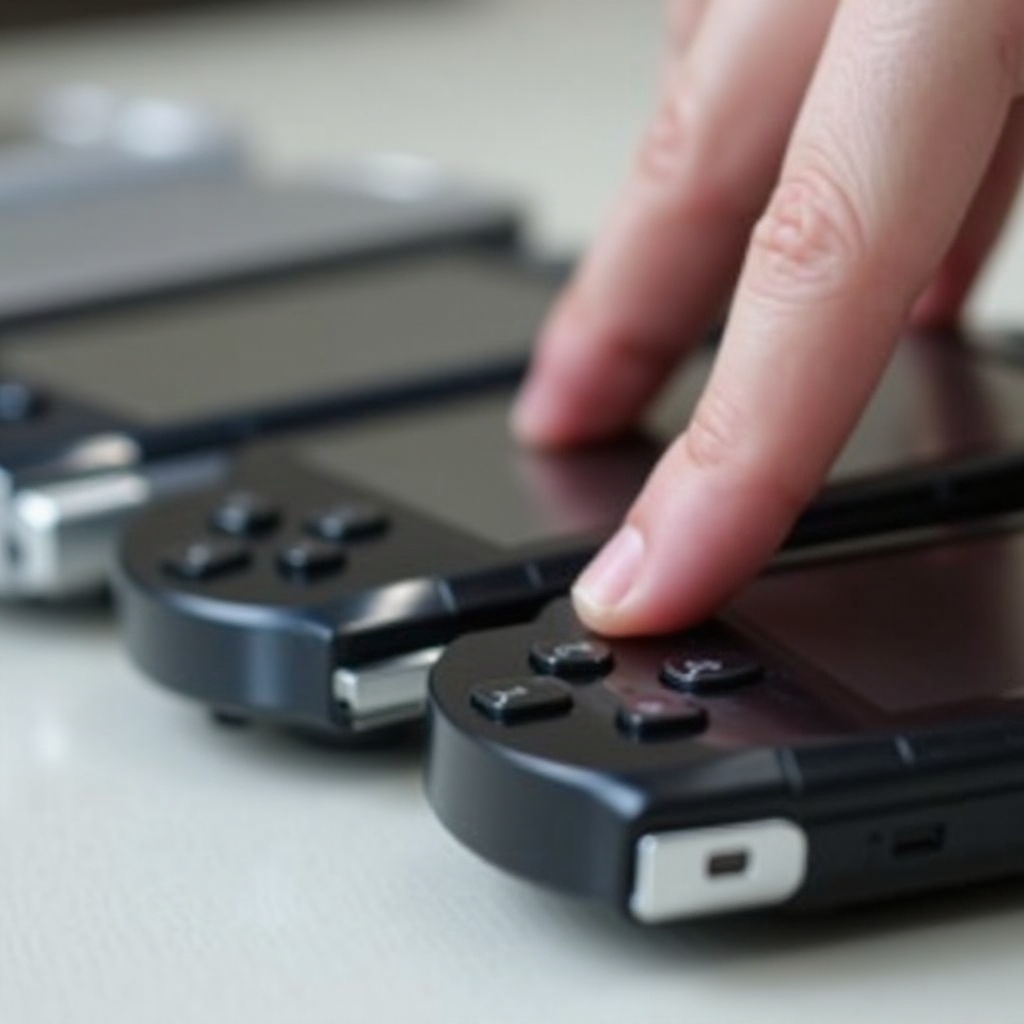
Step-by-Step Guide to Turning On Your PSP
Powering on your PSP should be straightforward once you know the process:
- Locate the Power Button: Typically found on the right side, the power button often involves a sliding mechanism.
- The Correct Way to Power On:
- Slide or press the power button up/forward and hold it for about two seconds until the screen lights up.
If these steps do not result in your PSP turning on, there might be another issue. Let’s explore some common problems and their solutions.
Common Reasons Your PSP Won’t Turn On
If your PSP doesn’t power on as expected, several factors might be at play:
- Battery Issues: Ensure the battery is properly charged and seated. If it has aged, consider replacing it for better performance.
- Power Switch Malfunctions: Examine the power switch for dust, dirt, or mechanical faults that may hinder your attempts to power on the device.
- Firmware Problems: Sometimes, firmware glitches can prevent startup. A firmware update or reinstallation might be required.
Troubleshooting Techniques
Addressing these common issues can often be done with straightforward troubleshooting techniques:
- Charging the Battery Correctly:
- Ensure you are using the original charger.
-
Connect the charger to a reliable power source and leave it to charge for at least 30 minutes before retrying.
-
Performing a Hard Reset:
-
Slide the power switch up and hold it for around 10 seconds. Release and attempt powering it on again.
-
Checking for Hardware Issues:
- Look for signs of battery damage, such as swelling, and inspect the power button for physical defects or debris.
By following these troubleshooting steps, your PSP should operate smoothly. But it’s essential to maintain the device properly for the best longevity.
Tips for Proper PSP Maintenance
Regular maintenance is key to preventing startup problems and ensuring good long-term performance:
- Cleaning Your PSP:
- Use a microfiber cloth to gently clean your PSP, avoiding the use of liquids directly.
-
For tough spots, apply a small amount of isopropyl alcohol to the cloth first.
-
Regular Software Updates:
- Keep your PSP’s software updated to benefit from the latest improvements and bug fixes.
Consistent maintenance not only makes turning on your PSP easier but also enhances overall performance, allowing you to enjoy uninterrupted gaming sessions.
When to Seek Professional Help
If you’ve applied all the above methods and your PSP still won’t turn on, it might be time to consult with a professional repair service. Severe hardware issues or complex software problems usually require expert intervention. When choosing a service provider, ensure they are reputable to avoid further complications.
Conclusion
Knowing how to turn on your PSP and addressing common issues is key to maximizing your gaming enjoyment. A well-powered PSP can offer hours of entertainment, given the right approach to maintenance and troubleshooting. Keep this guide handy for future reference, ensuring a smooth and seamless experience every time you power up your device.
Frequently Asked Questions
What should I do if my PSP won’t charge?
Ensure the charger and port are undamaged. Try different outlets and confirm the battery is correctly inserted.
How long should my PSP battery last?
Typically, a fully charged battery should last between 3-6 hours, varying by model and usage.
Can I repair the power button myself?
While minor cleaning is possible, mechanical repairs should be handled by a professional to prevent further damage.