

 By
By Introduction
Printer ink problems often catch users off-guard, leading to interruptions in workflow and mounting frustration. From streaks and smudges to unrecognized cartridges, these issues are not just common but can come at a considerable cost in time and resources if left unsolved. This comprehensive guide dives into the frequent ink-related issues faced by printer users and offers practical solutions to ensure you get back on track with minimal downtime.

Identifying Common Printer Ink Problems
Understanding the issues you’re facing is crucial for applying the right solutions. Some of the most common printer ink problems you might encounter include:
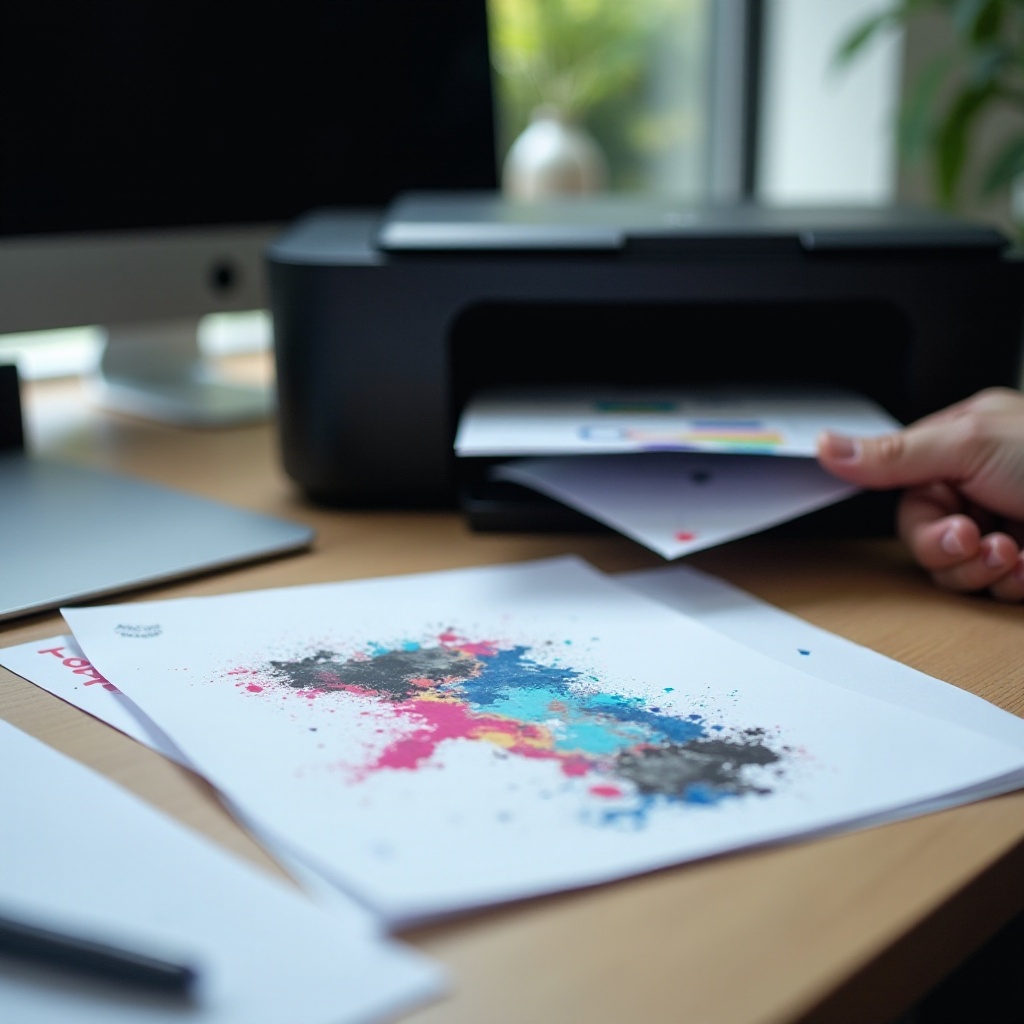
- Poor Print Quality: This is often noticeable through faded prints or missing text lines and is usually caused by a low ink level or a clogged printhead.
- Ink Streaks on Paper: Streaks typically suggest a problem with the printer’s rollers or might indicate that the ink has been exposed to moisture.
- Printer Not Recognizing Ink Cartridge: New cartridges sometimes aren’t identified by your printer. This may be due to improper installation or faulty cartridge sensors.
Identifying and understanding these signs is the first step towards troubleshooting and resolving them effectively.
Diagnosing Printer Ink Issues
Once the issue is identified, diagnosing its root cause is the next crucial step. Accurate diagnosis can guide you directly to the most effective solutions:
- Reading and Understanding Error Messages: Many modern printers come equipped with displays that show error messages or codes. Refer to the printer’s manual for decoding these messages.
- Conducting Basic Troubleshooting Steps:
- Confirm proper installation and seating of the cartridges.
- Examine the cartridge for visible signs of damage.
- Restart both the printer and your computer to reset any glitches.
- Ensure that all connections are secure and intact.
This approach will ensure you are correctly guided towards specific solutions that directly address the root cause of your ink issues.
Solutions for Printer Ink Problems
Equipped with your diagnosis, tackling printer ink problems can be straightforward.
- Cleaning and Maintaining Print Heads: Regular maintenance can prevent clogs and blockages that lead to poor print quality. Utilize your printer’s built-in cleaning functionality or use a clean, lint-free cloth for manual cleaning.
- Properly Installing and Aligning Ink Cartridges: Always ensure cartridges are fully and correctly seated in their slots. Perform an alignment test post-installation to confirm proper function.
Addressing these issues not only resolves current problems but can also extend the lifespan of your printer.
Preventive Measures for Avoiding Ink Problems
Prevention is often better than cure, and that applies to printer ink problems as well. By adopting a few preventive strategies, you can minimize recurring problems:
- Regular Printer Maintenance: Establish a maintenance routine that includes dusting and cleaning the interior to prevent dust-related issues that might affect print quality.
- Utilizing Correct Printer Settings: Opt for settings that streamline ink usage according to your specific printing needs. Using ‘draft mode’ for less critical documents can save ink over time.
Proactively maintaining your printer setup ensures fewer interruptions and a longer duration of high-quality print output.
Choosing the Right Ink: Genuine vs. Generic
When it’s time to replace ink cartridges, the choice between genuine and generic ink can impact both quality and cost:
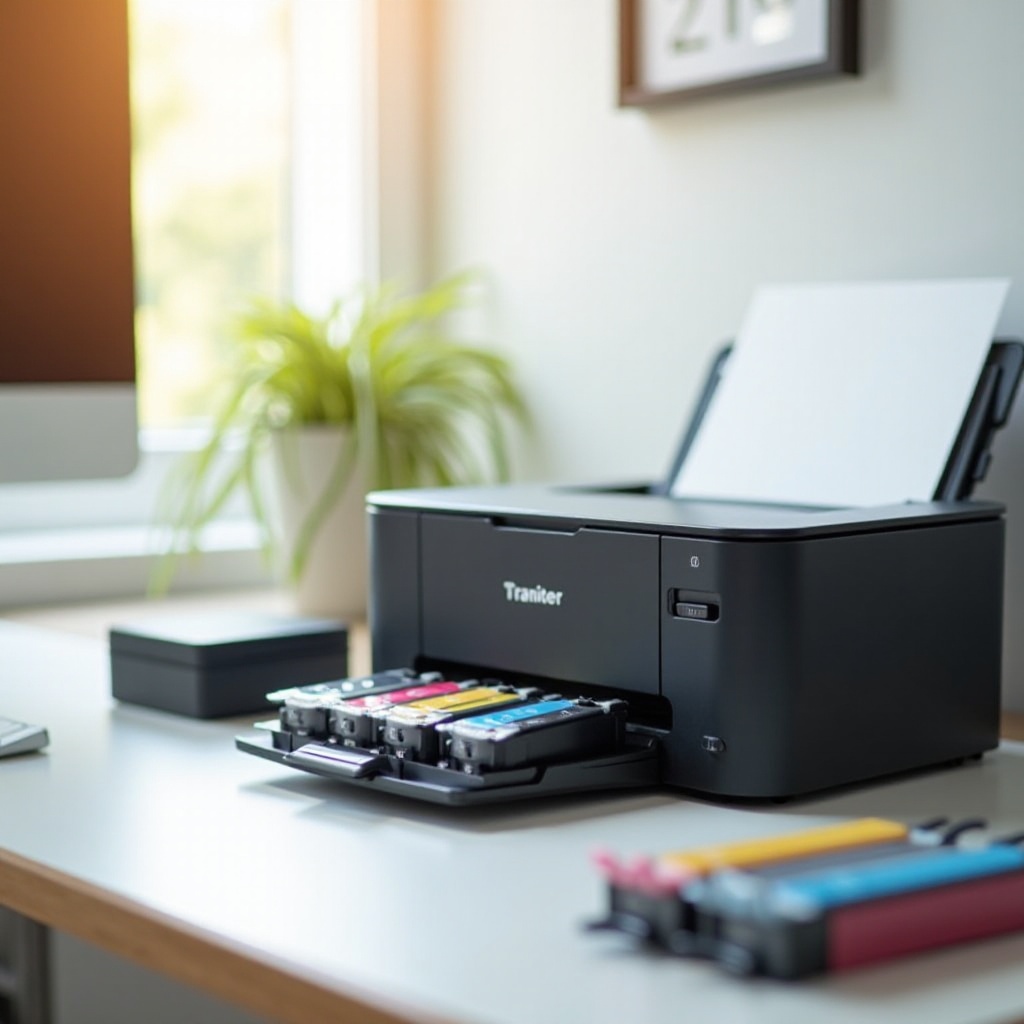
- Pros and Cons of Original Cartridges: While genuine cartridges guarantee compatibility and consistency, they can be costly.
- Pros and Cons of Compatible Cartridges: These often serve as economical alternatives, though they may not deliver the same print quality or reliability with every brand.
Choosing the right ink is essential and often depends on your specific quality requirements and budget.
Saving on Printer Ink Without Sacrificing Quality
Efficiency in ink usage doesn’t necessarily mean compromising on quality. Here are some ways to achieve both:
- Tips for Reducing Ink Consumption: Always use draft mode for internal documents or non-final versions, and print only the pages you need.
- Utilizing Eco-Friendly Printing Options: Leverage printers equipped with eco or ink-saving mode settings that optimize ink usage.
These strategies help in maintaining high-quality prints while also being mindful of long-term costs and environmental impact.
Conclusion
Tackling printer ink problems head-on involves a blend of accurate identification, effective solutions, and forward-thinking preventive strategies. By understanding the issues, diagnosing accurately, and applying the appropriate measures, you can ensure that your printer functions seamlessly. Regular maintenance, strategic ink choices, and efficient printing habits will keep your equipment in top condition, making printing an easy, trouble-free task.
Frequently Asked Questions
What should I do if my printer says it’s out of ink but it’s not?
Ensure there’s no clog in the printhead and that the cartridge is properly seated in the printer.
How often should I clean my printer’s print head?
Clean your printer’s print head every few months or whenever there is a noticeable decline in print quality.
Are compatible ink cartridges safe to use with my printer?
They can be safe, but it’s important to ensure compatibility with your specific printer model to avoid potential issues.