

 By
By Introduction
Connecting a Jam Speaker to your devices should be a breeze, yet technological hiccups can occur. Whether you are a tech enthusiast or a beginner, the ability to synchronize your speaker with different gadgets unlocks a world of musical enjoyment. This guide walks you through the pairing process in easy-to-follow steps, enriched with practical advice to maximize your Jam Speaker experience.
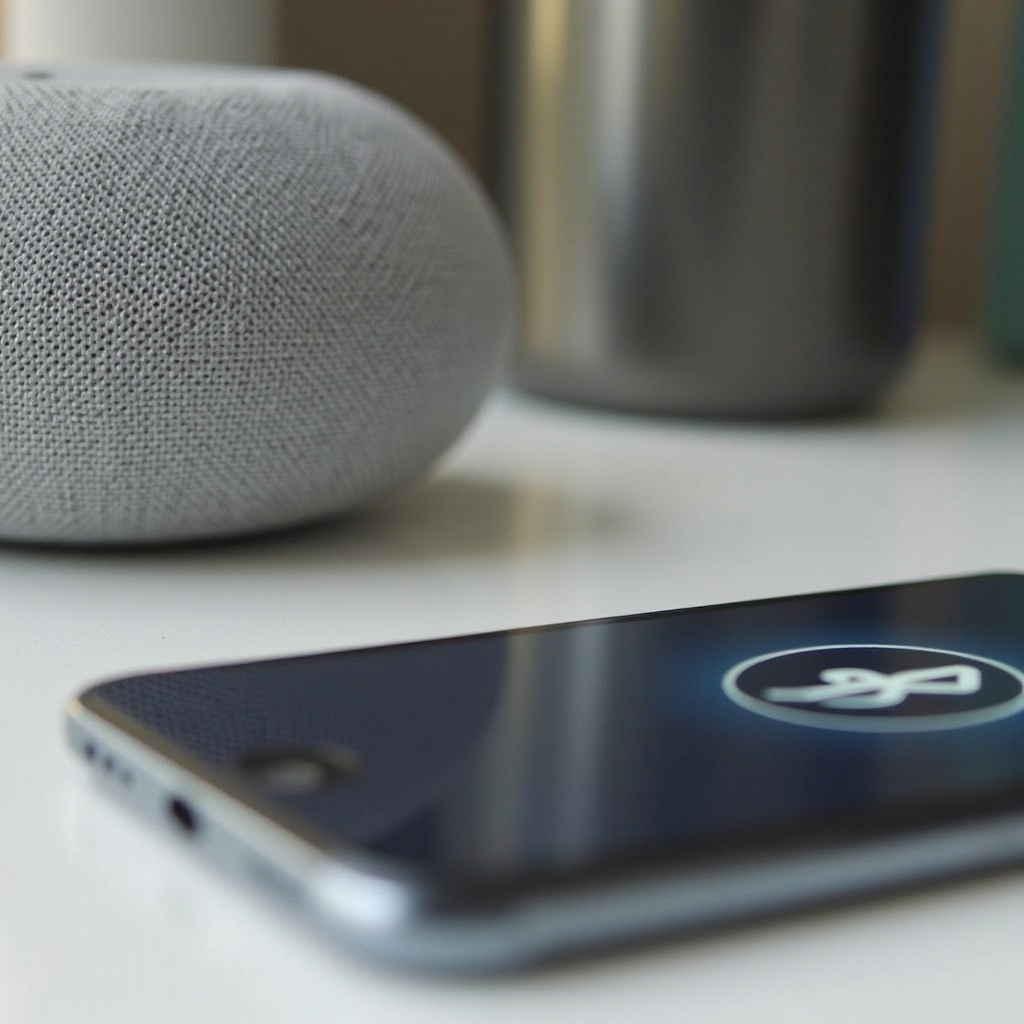
Understanding Your Jam Speaker
To begin, have a basic understanding of your Jam Speaker’s features and specifications. Familiarity with your device ensures a smoother connection process.
-
Features and Specifications: Jam Speakers offer compact design and high-quality sound, featuring Bluetooth connectivity and durable battery life to keep you entertained.
-
Compatibility with Devices: Before pairing, confirm that your Jam Speaker aligns with the intended device’s operating system. Most models integrate seamlessly with iOS, Android, Windows, and macOS, offering versatility across platforms.
With a grasp on these core elements, you set the stage for successful pairings. Let’s move on to preparing your devices for pairing.
Preparing Your Devices for Pairing
Creating an environment where your devices can connect effortlessly involves a few preparative steps:
-
Ensuring Device Compatibility: Verify that your device’s operating system meets the Jam Speaker’s specifications by checking the product details or manufacturer’s site.
-
Charging and Readiness Checks: Ensure sufficient battery life on both your speaker and the device. Low power can impede the pairing process. Activate Bluetooth on your device and make it discoverable.
With your devices primed, you are now ready to embark on pairing your speaker with smartphones – a common user need.
Step-by-Step Guide to Pairing with Smartphones
Smartphones frequently interface with Jam Speakers. Follow these steps for a successful connection:
- Pairing with Android Devices:
- Activate your Jam Speaker.
- On your Android device, open Bluetooth settings.
- Ensure Bluetooth is switched on, making your device visible to others.
-
Select your Jam Speaker from available devices. Upon successful pairing, a confirmation tone will sound.
-
Pairing with iOS Devices:
- Activate your Jam Speaker.
- Navigate to settings on your iPhone or iPad, selecting Bluetooth.
- Switch on Bluetooth. Once your Jam Speaker appears under ‘Other Devices,’ tap to connect.
Once your smartphone and speaker are paired, you’re ready to enjoy your media. If you wish to connect other types of devices, read on.
Pairing Your Jam Speaker with Other Devices
Your Jam Speaker can be paired not only with smartphones but with laptops, tablets, and smart TVs:
- Connecting to Laptops/PCs:
- Enable Bluetooth, making your computer discoverable.
- Find Bluetooth settings and choose ‘Add a Bluetooth device.
-
Select your Jam Speaker and confirm the connection to pair.
-
Pairing with Tablets:
- Turn on Bluetooth on your tablet device.
-
Search for devices and select your Jam Speaker when it appears.
-
Connecting to Smart TVs:
- Activate Bluetooth on your smart TV.
- Search for compatible devices, select the Jam Speaker, and establish the connection.
By following these steps, you can enjoy your audio content from various sources. However, should obstacles arise, troubleshooting might be necessary.
Troubleshooting Common Issues
At times, pairing issues can interrupt your audio experience. Here’s how to resolve frequent problems:
- Bluetooth Connectivity Problems:
- Verify both devices are within proximity and free from signal interference.
-
Restart both the Jam Speaker and device prior to reattempting connection.
-
Audio and Playback Issues:
- Ascertain that the correct audio output is selected on your device.
- Balance volume levels on both the Jam Speaker and the connected gadget.
Applying these troubleshooting tactics will optimize your experience. For peak performance, consider the following effective practices.
Tips for Optimal Jam Speaker Performance
Enhance your Jam Speaker’s performance with these strategies:
-
Best Positioning for Sound Quality: Place your speaker on a steady, level surface to ensure comprehensive sound dispersion, unhindered by obstructions.
-
Maintenance and Care: Regularly wipe your speaker to deter dust-related performance issues. Utilize a storage case for protection when not in use.
Implementing these practices will elevate your audio sessions with richer sound and increased enjoyment.
Conclusion
Equipped with these steps, you’re now prepared to pair your Jam Speaker with various devices and navigate potential setbacks with ease. Implement the guidance provided to ensure that your audio experiences are nothing short of exceptional.
Frequently Asked Questions
How do I reset my Jam Speaker?
To reset, hold down the power button for 10 seconds until the speaker fully powers off. Turn it back on and pair again.
Why won’t my Jam Speaker connect to my device?
Ensure both devices are charged and the Bluetooth is turned on. You might also need to update your device’s operating system.
Can I pair multiple devices with my Jam Speaker simultaneously?
Most Jam Speakers support one connection at a time. Disconnect the current device before pairing a new one.