

 By
By Introduction
The Xbox 360 revolutionized gaming with its cutting-edge design and expansive game library. However, the console also brought with it the notorious Red Ring of Death (RROD), a hardware failure issue that caused much frustration among gamers. In this article, we explore the Red Ring phenomenon, its causes, fixes, and preventive measures. Our aim is to ensure your Xbox 360 remains operational and enjoyable for years to come.
What is the Red Ring of Death on Xbox 360?
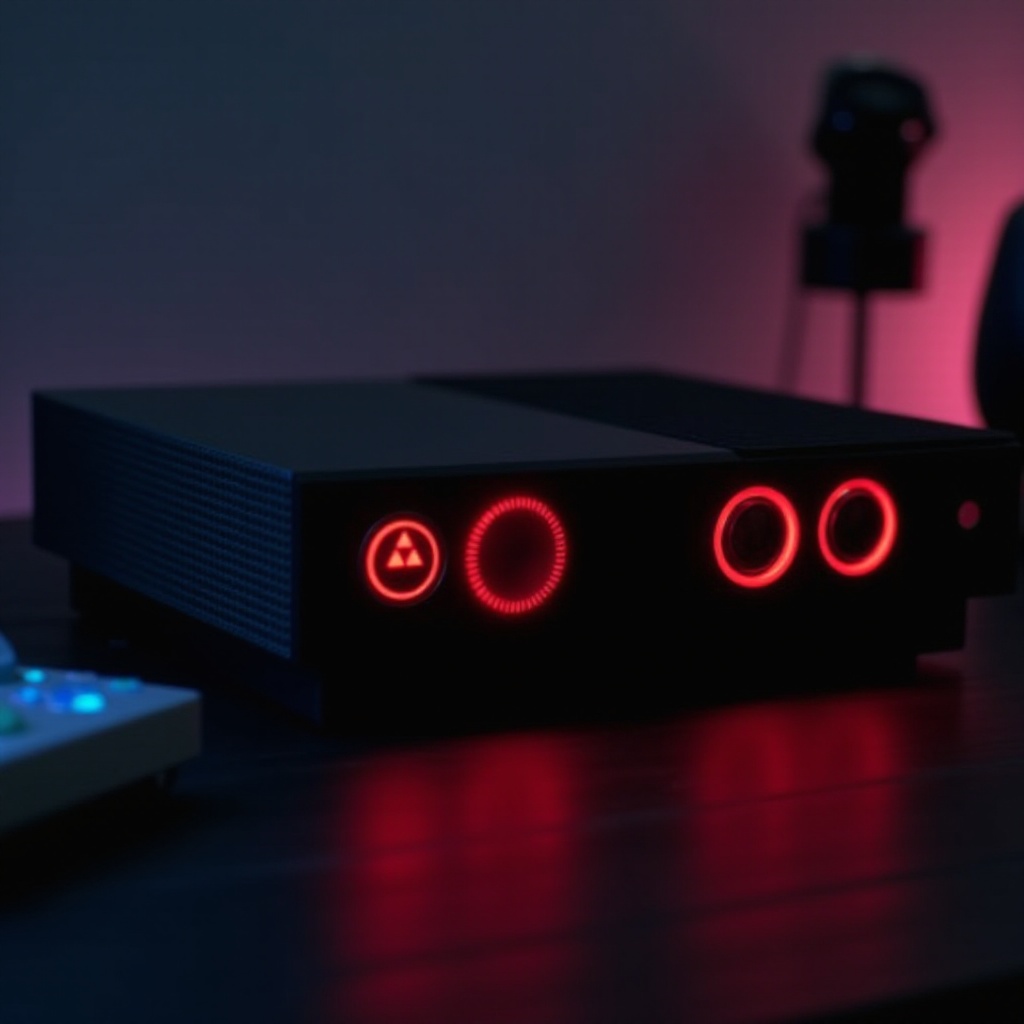
The Red Ring of Death is a general error indicator for the Xbox 360 console, signaled by the power button’s ring turning red. This error sign became infamous due to its association with hardware malfunctions that rendered the console unplayable.
Definition and Overview
The RROD refers to the red lights displayed on the console’s ring, indicating various hardware failures. Understanding the nature of these errors is key to troubleshooting and preventing future occurrences.
Historical Context and Impact on Gamers
Upon its release, the Xbox 360 was a market leader with a large following. However, the RROD issue quickly became a major setback, tarnishing its reputation and creating inconvenience for gamers facing lengthy repair processes. Microsoft’s efforts to rectify the issue demonstrated their commitment to maintaining customer satisfaction.
Causes of the Red Ring of Death
Investigating the causes of the RROD can help mitigate its impact. The issue primarily stems from hardware vulnerabilities exacerbated by certain environmental conditions.
Overheating Issues
The compact design of the Xbox 360, coupled with inadequate cooling mechanisms, led to overheating. Many users reported this as the primary cause of their console failures, especially during extended gaming sessions.
Hardware Design Flaws
Flaws in the hardware design, particularly in solder joints and cooling systems, contributed significantly to the RROD. These weaknesses were often attributed to the desire for a sleek, compact console, sacrificing effective heat dissipation.
Power Supply and Memory Problems
Intermittent power supply and memory discrepancies are other contributors to the RROD. These issues were often due to inconsistent voltage and power inputs or inherent memory system flaws that compromised functionality.
Identifying the Red Ring: Signs and Symptoms
Recognizing the signs and symptoms of the RROD is crucial for timely intervention. Prompt action can potentially reduce the severity of the damage.
Light Patterns Explained
The Xbox 360’s power ring typically displays green lights, but red lights indicate problems. Different light patterns denote specific issues, with three red lights being the most common indicator of general hardware failure.
Error Codes and Their Meanings
Alongside red lights, an error code might appear on the screen. These codes are designed to guide users in identifying the problem, whether it’s related to the console’s hardware components or power supply.
How to Address the Red Ring of Death
Even if you encounter the Red Ring, there’s no need to panic. Several methods can help restore your Xbox 360 to its former glory.
Initial Troubleshooting Steps
- Restart the console to see if the issue resolves itself.
- Ensure the console is in a well-ventilated location.
- Confirm that the power supply is functioning properly, indicated by a green light on the power brick.
DIY Fixes and Solutions
- Advanced users might attempt reflowing solder joints, but this requires precise equipment and expertise.
- Applying new thermal paste can reduce overheating by improving heat transfer from chips.
Professional Repair Services
For persistent issues, leveraging professional repair services is recommended. These services include detailed diagnostics and repair, ensuring long-term solutions.
Preventative Measures for Xbox 360 Owners
Prevention is key to maintaining your console’s longevity and performance. Implementing routine maintenance and awareness can keep your Xbox 360 running smoothly.
Regular Maintenance Tips
- Regularly clean your console to reduce dust accumulation that impedes airflow.
- Store your console in a space that allows for adequate airflow and away from excessive heat sources.
Proper Operating Conditions
- Limit continuous gameplay to prevent overheating.
- Consider using additional cooling solutions, such as fans, to assist the internal cooling system.
Software Updates and Best Practices
Keeping your system software updated ensures you have the latest patches and enhancements that can mitigate potential hardware issues.
Microsoft’s Response and Repair Programs Post-2024
Microsoft acknowledged the impact of the RROD and responded with support initiatives which continue to evolve.
Warranty Changes and Support Options
Microsoft extended its warranty coverage to include three years for RROD issues, providing significant relief to affected users.
Repair and Replacement Programs
The company also launched repair and replacement options to address irreparable consoles, often upgrading units to more reliable iterations.
Conclusion
The Red Ring of Death remains a critical concern for Xbox 360 users. By comprehending its causes and solutions, and proactively implementing preventative measures, you can ensure your console continues to offer an exceptional gaming experience.
Frequently Asked Questions
Is fixing the Red Ring of Death expensive?
Repair costs vary, but Microsoft offers warranty programs that may reduce expenses.
How long does it take to repair the Red Ring of Death?
Professional repairs can take several weeks, factoring in shipping and service.
Should I consider buying a new console instead of fixing the RROD?
If repair costs are high or the console is outdated, investing in a newer model might be wise.