

 By
By Introduction
The Apple Watch is a transformative gadget in wearable tech, acting not only as a smartwatch but also as a sophisticated health tracker. Among its many features, calorie tracking stands out as a crucial tool for anyone looking to monitor fitness progress effectively. But how does this sleek device on your wrist precisely monitor the calories you burn?
By merging sensor-based technology with intelligent algorithms and personalization, the Apple Watch delivers real-time data that offers insights into your daily energy expenditure. In this article, we will uncover the science behind how the Apple Watch tracks calories burned and provide tips to enhance its accuracy.
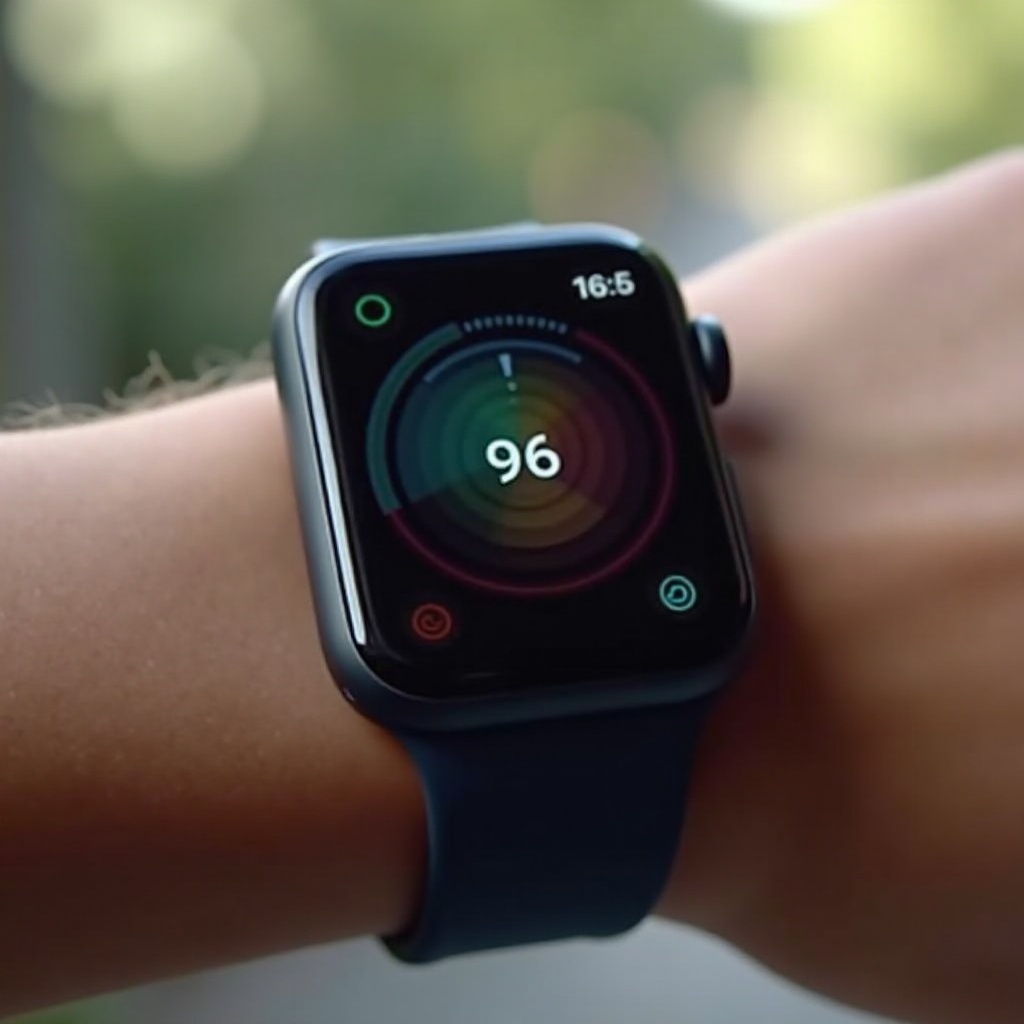
The Technology Behind Apple Watch Calorie Tracking
Unraveling the calorie tracking function of the Apple Watch starts with understanding its core technology.
-
Sensors: Heart Rate Monitor and Accelerometer
The heart rate monitor is a critical component that helps gauge workout intensity by detecting your pulse. This allows the watch to adjust calorie burn estimates to match your exercise level. Meanwhile, the accelerometer captures your movement, helping assess how active you are throughout the day. Together, these sensors provide a comprehensive picture of your physical activity. -
The Role of Algorithms and Machine Learning
Advanced algorithms process the information from sensors to estimate calorie burn. These calculations are refined through the capabilities of machine learning, which adapts the estimates based on your historical data, improving accuracy over time. -
Data Integration for Calorie Estimation
Information such as age, sex, height, and weight is integrated into the calorie calculation. This personalization tailors estimates to your unique physical profile, enhancing precision.
Calibration for Accurate Calorie Tracking
Calibration is essential for fine-tuning how accurately your watch tracks calories.
-
Importance of Personal Data Input
Accurate tracking depends on up-to-date personal data. Regularly updating your information in the Health app ensures that your basal metabolic rate is calculated correctly, impacting your overall calorie count. -
How to Calibrate Your Apple Watch
-
Go to ‘Settings’ on your Apple Watch.
- Tap ‘Privacy’ and then ‘Location Services.
-
Make sure ‘Location Services’ is on for optimal step tracking.
-
Maintaining Sensor Accuracy
Ensure the sensors are clean and the software is updated to keep your watch functioning correctly. This helps the sensors capture data more reliably.
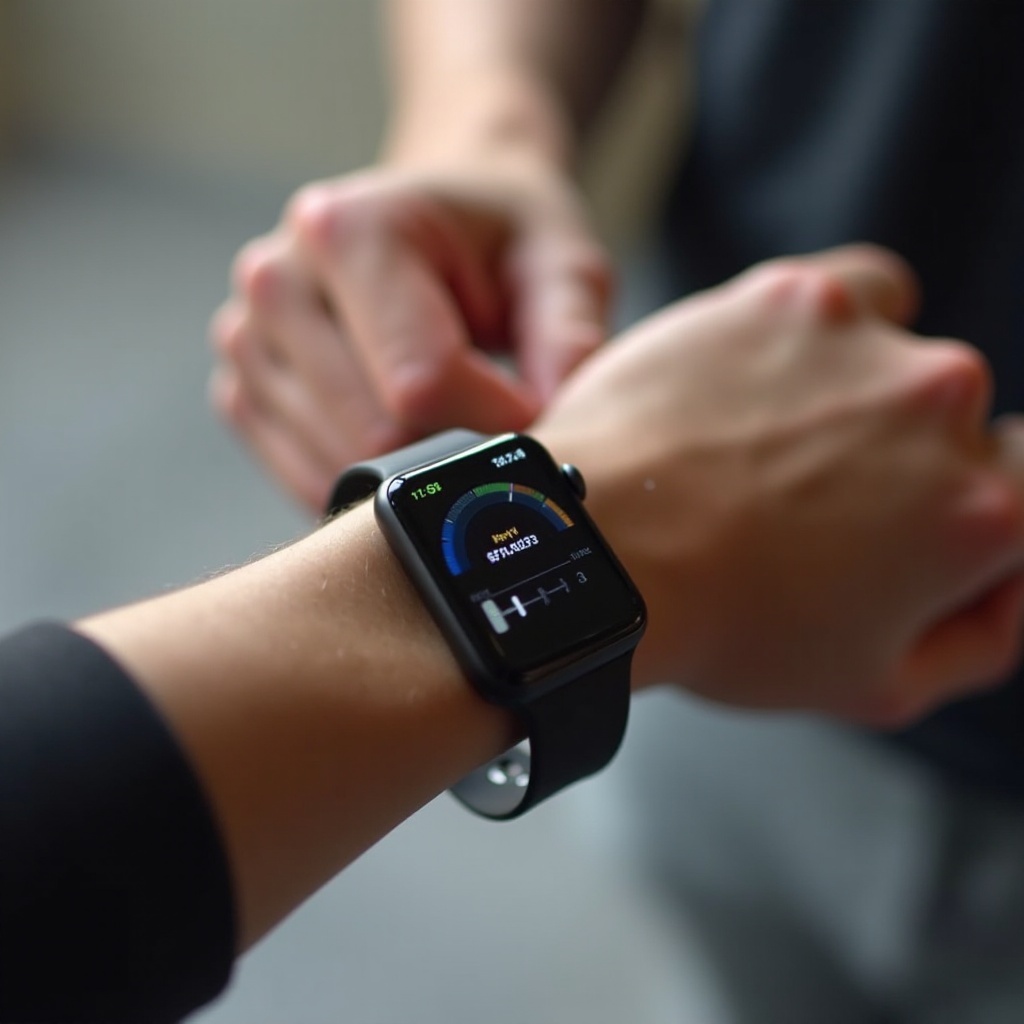
Understanding Active vs. Total Calories
The Apple Watch provides insights into both active and total calorie metrics.
-
What Are Active Calories?
These are calories burned through exercise and physical activities. Tracking active calories helps you gauge the effectiveness of your workouts. -
Total Calories and Their Importance
Total calories include both active calories and those burned while resting. This metric gives a holistic view of your daily calorie expenditure. -
How Apple Watch Differentiates the Two
The device differentiates these metrics using algorithms that precisely compute active burn and baseline metabolic functions.
Tips for Accurate Calorie Tracking
For optimal accuracy in calorie tracking, consider these guidelines:
-
Correct Apple Watch Positioning
Ensure your Apple Watch fits securely on the wrist. A good fit enables more accurate sensor readings. -
Regular Software Updates and Maintenance
Keep your device software current to benefit from improvements in tracking accuracy and feature updates. -
Adjusting for Different Activities
Utilize the array of workout modes in the Workout app. Select the mode closest to your activity for the most precise tracking.
Comparing Apple Watch to Other Fitness Trackers
Fitness enthusiasts have numerous devices available, but Apple Watch holds specific advantages.
-
Key Differences in Sensor Technology
Apple Watch integrates diversified sensors, unlike some trackers focused only on motion data. Its comprehensive integration means more accurate calorie measurements. -
Advantages of Apple Watch Calorie Tracking
Its seamless integration with the Apple ecosystem, user-friendly interface, and continuous updates make it attractive compared to rivals. -
Limitations and Considerations
Despite its strengths, no device is 100% accurate. Always consider external factors and personal adjustments when analyzing data.
Integrating Apple Watch Data with Your Fitness Goals
The power of the Apple Watch lies in its ability to empower your fitness journey with actionable data.
-
Using Third-Party Apps for Enhanced Tracking
Apps like MyFitnessPal offer extended insights by integrating with Apple Watch data, allowing for better tracking and understanding of your nutrition. -
Setting Realistic Fitness Goals Based on Data
Utilize your data insights to craft realistic and achievable fitness objectives that motivate consistent progress. -
Monitoring Progress and Adjusting Plans
Use the collected data to reassess and recalibrate your workout strategies to stay aligned with your health targets.
Conclusion
Apple Watch combines advanced technology with practical functionality, making it a trusted ally in health and fitness monitoring. By understanding the intricacies of its calorie tracking and actively engaging with the data it provides, you can make measurable strides in your fitness journey.
Frequently Asked Questions
How accurate is the Apple Watch in tracking calories burned?
The Apple Watch employs advanced algorithms and sensors to provide fairly accurate calorie estimates, but it may not be perfect.
Can I improve accuracy by manually adjusting the settings?
Yes, updating your personal data and regularly calibrating the Apple Watch can help boost accuracy.
How does the Apple Watch compare to other devices in terms of calorie tracking?
The Apple Watch is known for its comprehensive tracking and is considered one of the best due to its integration of multiple sensor inputs and user data.