

 By
By Introduction
Insignia TVs are a preferred choice for many households, known for their affordability and reliable performance. Nonetheless, like any device, they face challenges, with backlighting being a common issue. The backlight is vital for the screen display; when it malfunctions, it can severely compromise your viewing experience, resulting in dim screens or uneven lighting. By comprehending and addressing these backlight issues promptly, you can greatly enhance your TV’s lifespan and maintain your viewing satisfaction.
Symptoms of Backlight Problems in Insignia TVs
Identifying backlight issues early can save you both time and money. Recognizing the signs that suggest backlight problems is crucial.
- Dim Screens: Your screen might display insufficient brightness despite increased brightness settings, often indicating a backlight problem.
- Flickering Display: Sudden changes in brightness or flickering often suggest backlight glitches.
- Uneven Lighting: Dark patches or overly bright areas on the screen point to failing backlights.
- No Image: With audio still functioning but no image, the backlight may be at fault.
Once you detect these symptoms, understanding the causes of backlight failures is the next step.
Causes of Backlight Failures
Several factors can lead to backlight failures in Insignia TVs. Recognizing these can help prevent future occurrences:
- Aging Components: Regular use over time naturally wears down backlight components.
- Electrical Issues: Voltage fluctuations or power surges often damage backlight elements.
- Physical Damage: Mishandling or physical impact can result in internal damage.
- Manufacturing Defects: Occasionally, manufacturing imperfections cause premature failures.
With these causes in mind, let’s explore how you can effectively fix these backlight problems.
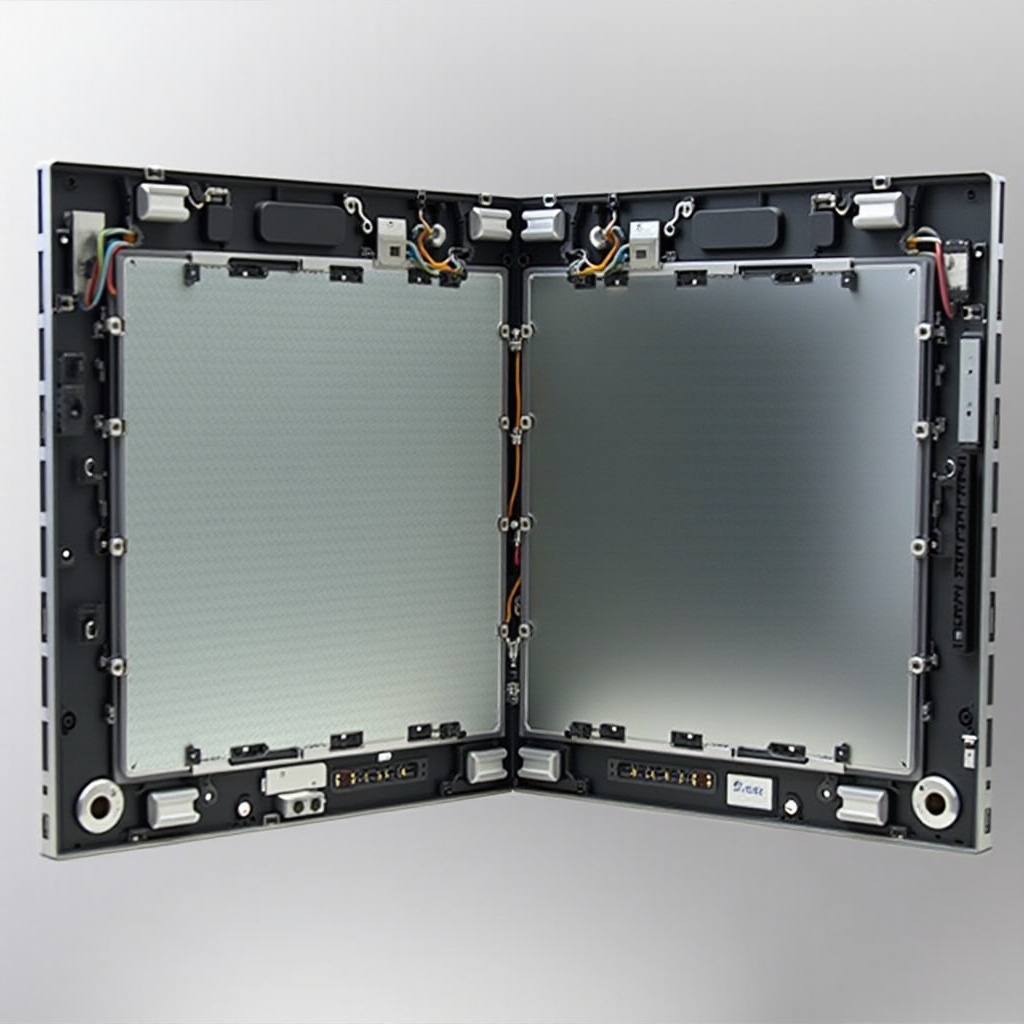
Step-by-Step Guide to Fixing Backlight Problems
Addressing backlight issues requires a structured approach. Follow this guide to solve the problem:
- Basic Troubleshooting:
- Verify the TV is plugged in and connected to a stable power source.
- Reset the TV to its default settings to rule out software issues.
- DIY Repair Considerations:
- Determine if the issue is minor enough to handle on your own (e.g., loose connections).
- Assess when a DIY repair might void your warranty or create additional complications.
- Professional Help:
- For severe issues or if preliminary steps fail, seek professional assistance.
- Expert repairs ensure a reliable fix and protect warranty benefits.
Feeling capable of conducting DIY repairs? Here’s how to replace backlights independently.
DIY Backlight Replacement for Insignia TVs
Replacing backlights yourself can be an economical solution. Here’s what you need to do:
- Tools and Materials Needed:
- Screwdriver set
- Replacement LED strips
-
Multimeter to verify electrical connections
-
Safety Precautions:
- Unplug the TV from its power source before beginning.
-
Avoid excessive force that could damage internal components.
-
Disassemble the TV:
- Carefully remove the back panel using the screwdriver.
-
Locate and disconnect the backlight strip from the power board.
-
Replace the LED Strip:
-
Install the new LED strip, ensuring secure connections.
-
Reassemble and Test:
- Reattach the back panel and power on the TV to confirm the new backlight functions.
After fixing the issue, adopting preventive measures can help curb future failures.
How to Prevent Backlight Failures
Taking preventive action can prolong the life of your Insignia TV’s backlight:
- Use Voltage Stabilizers: Protect your TV from power surges.
- Regularly Clean the TV: Dust accumulation impacts performance, so keep it clean.
- Avoid Extended Usage: Turn off the TV intermittently to prevent overheating and reduce component wear.
Following these practices will significantly boost the longevity of your Insignia TV’s backlight.
Conclusion
Understanding and managing your TV’s backlighting is essential for a rewarding viewing experience over the years. Early symptom recognition, prompt issue addressing, and preventive care are key practices every Insignia TV owner should embrace. While some issues can be tackled at home, do not hesitate to seek professional help to prevent further complications.
Frequently Asked Questions
How do I know if my Insignia TV’s backlight is broken?
If your screen is dim, flickering, or has uneven lighting, the backlight may be the issue. Initial troubleshooting can help confirm the problem.
Can I replace the backlight on my Insignia TV myself?
Yes, with the right tools and care. Follow a DIY guide to ensure safe and effective replacement.
How long should the backlight on my Insignia TV last?
Typically, a backlight lasts 5 to 7 years with proper care. Regular maintenance can extend its lifespan.