

 By
By Introduction
Tablets have transformed into vital tools in our digital lives, offering a balance between smartphones and laptops. A critical feature elevating their utility is the inclusion of USB ports. These ports provide immediate connectivity, converting tablets into versatile hubs capable of integrating numerous devices, such as flash drives or external keyboards. This article delves into the premier tablets featuring USB ports available in 2024, guiding you toward an informed decision to optimize your connectivity and productivity.
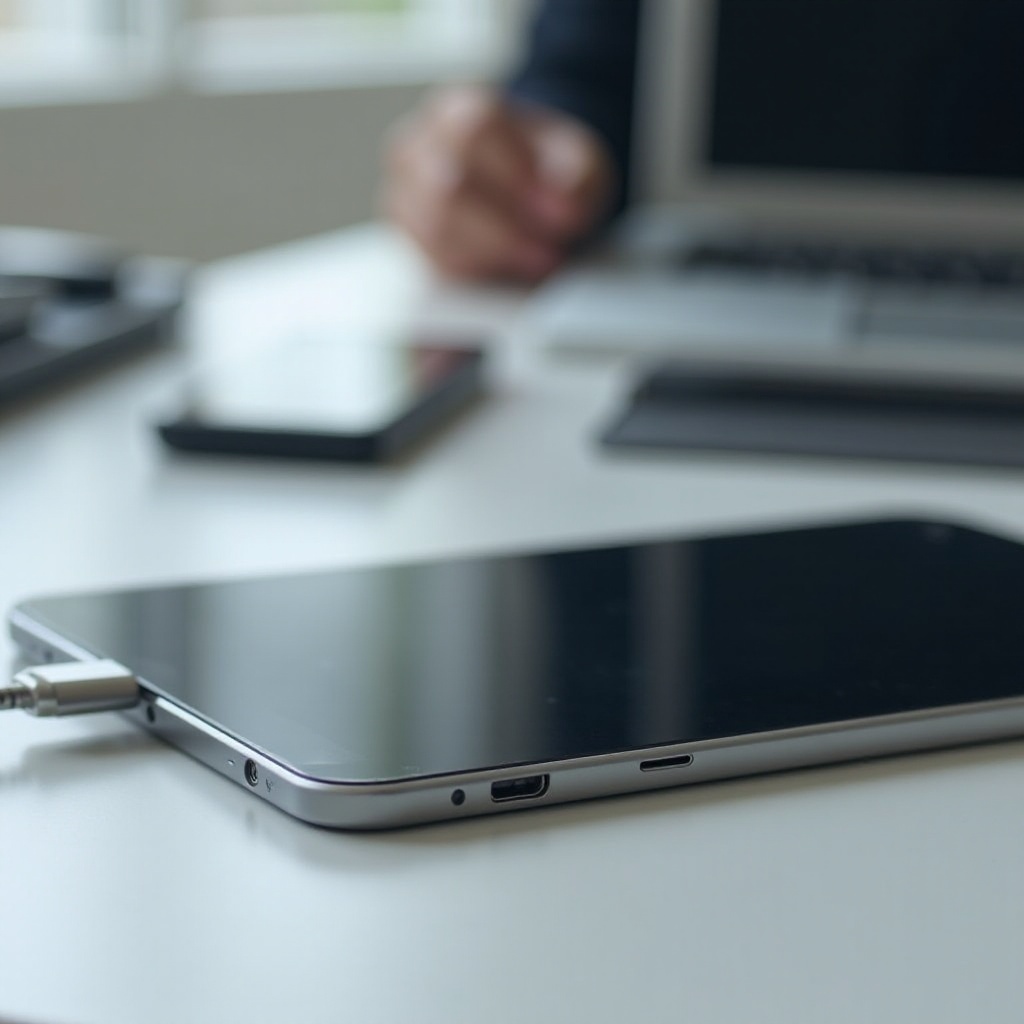
Why USB Ports Are Essential in Tablets
Tablets equipped with USB ports offer unmatched versatility. These ports facilitate direct connections to various devices, enabling seamless data transfer without relying on wireless networks. This feature is particularly advantageous for managing large files or operating in low-connectivity areas. Furthermore, USB ports support peripheral devices including keyboards, mice, and extra storage, thus transforming tablets into dynamic workstations.
Transitioning to USB-C ports from older USB standards marks a significant technological advancement in tablets. USB-C ports provide quicker data transfers and superior power delivery, enhancing operational efficiency. With this understanding, let us explore some outstanding tablets that include these essential ports.
Top Tablets with USB Ports in 2024
Selecting the right tablet with a USB port can greatly enhance your usage experience. Consider these top models:
-
‘Apple iPad Pro’: The iPad Pro blends elegant design with solid performance. Equipped with a USB-C port, it supports a range of devices, making it perfect for professionals who need a portable, yet powerful work tool. Its superior display and extensive suite of apps ensure effective multitasking and creativity.
-
‘Samsung Galaxy Tab S9’: Known for its vivid display and excellent performance, the Galaxy Tab S9 is favored by Android users. The USB-C port allows rapid charging and data transfer, ideal for work and entertainment enthusiasts. Enhanced by S Pen compatibility, it offers increased functionality.
-
‘Microsoft Surface Pro 9’: Serving as a comprehensive laptop alternative, the Surface Pro 9 offers a USB-C port and a brilliant PixelSense display. It’s uniquely suited for professionals who require powerful multitasking abilities without losing on-the-go flexibility.
Each tablet brings distinctive features catering to diverse needs. By assessing your intended usage, you can choose a model that truly complements your lifestyle and professional demands.
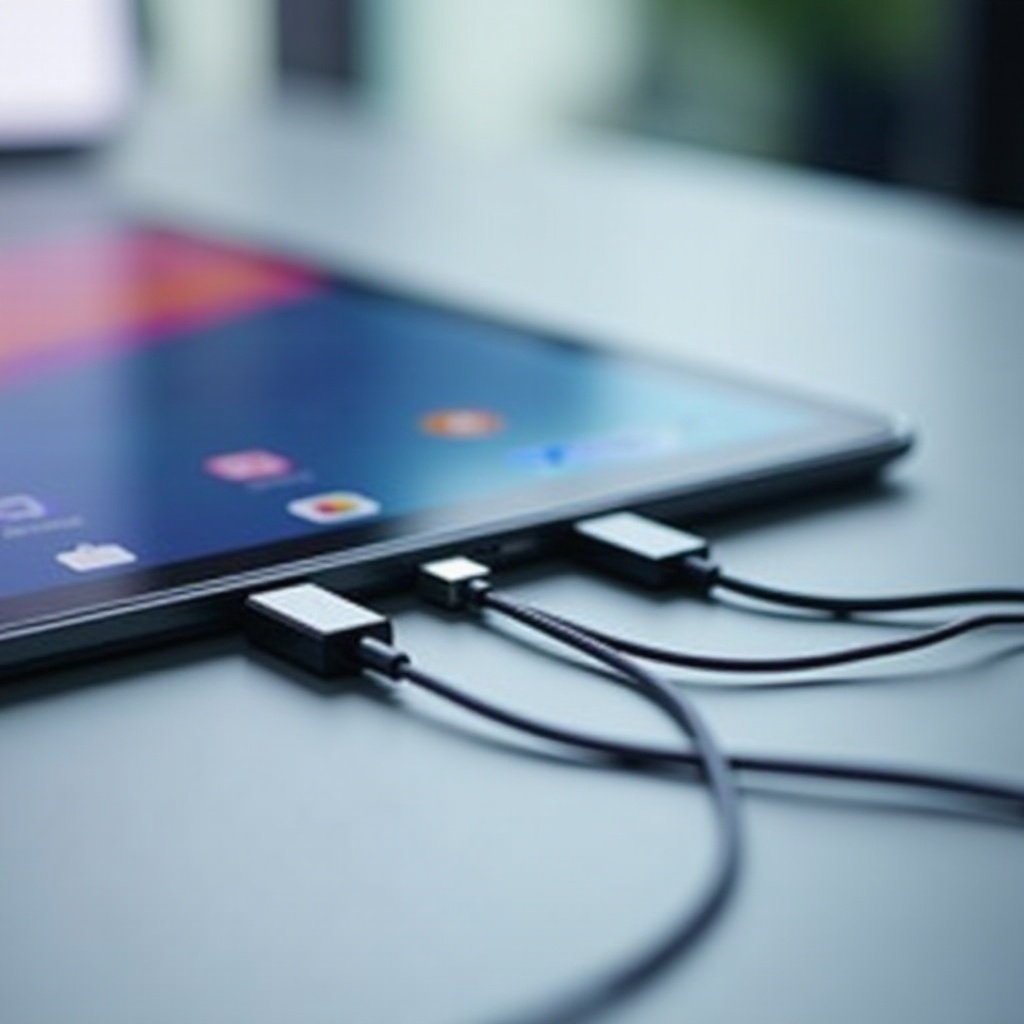
How to Choose the Right Tablet with a USB Port
Choosing the ideal tablet with a USB port comes down to understanding your personal needs. Begin by identifying how you plan to use the tablet. Are you looking for a robust device for professional tasks, or something more suited to leisure and casual browsing? This assessment helps streamline your options.
Ensure your chosen tablet supports the peripherals you intend to use. For example, if an external keyboard or mouse is on your list, verify its compatibility with the tablet’s USB interface. Furthermore, consider the tablet’s long-term value through its operating system and the range of available applications.
Budget is a crucial determining factor. While top-tier models boast extensive functionality, cost-effective alternatives can offer excellent performance for everyday use. Evaluate specifications and pricing to find a tablet that offers the optimal balance of value and capability. Let us now discuss the evolution and advantages of USB-C technology.
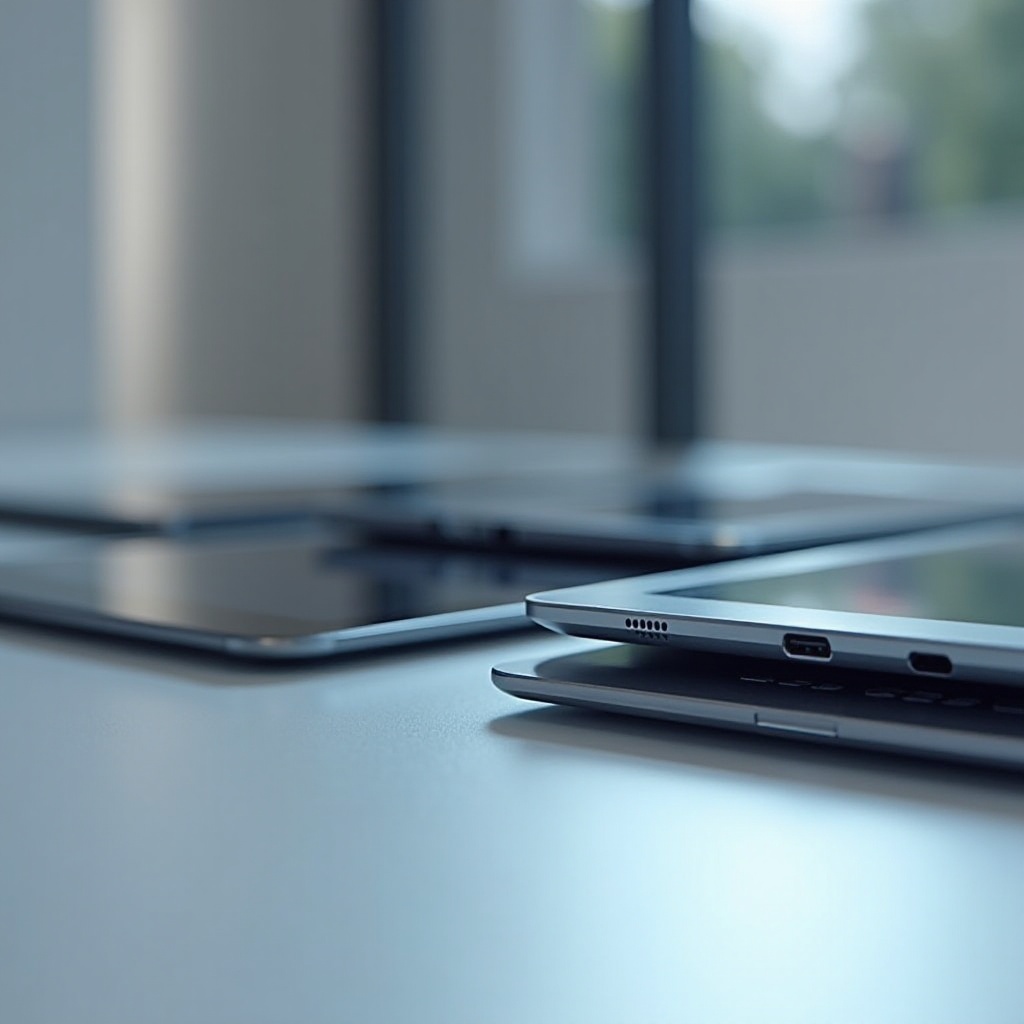
Adapting to Advanced USB-C Technology
With technological progress, USB-C emerges as the standard for contemporary tablets. This port type’s versatility is noteworthy, supporting both data transfer and device charging. USB-C simplifies connectivity, serving as a universal interface for diverse technologies.
USB-C’s prowess lies in boosting user experiences through fast data transfer, essential for handling substantial files. Additionally, its power delivery feature ensures rapid device charging, minimizing disruptions and boosting productivity. The widespread adoption of USB-C has stimulated the creation of numerous accessories that extend tablet capabilities. Let us examine some recommended peripherals that maximize your tablet’s functionality.
Recommended Accessories for Tablets with USB Ports
Augmenting your tablet experience often means selecting the right accessories. Consider these must-haves for tablets with USB ports:
-
‘External Keyboard’: Enhance your typing experience with a USB-C connected external keyboard, providing seamless integration and convenient use on the move.
-
‘USB Hub’: Expand available ports using a USB hub, enabling simultaneous connections for multiple peripherals – ideal for professionals needing access to external storage and input devices.
-
‘Portable Hard Drive’: Augment your storage capacity by attaching a portable hard drive, beneficial for handling extensive media files or ensuring offline backups.
-
‘Stylus Pen’: For tablets supporting stylus input, a stylus pen elevates note-taking and creative tasks, offering precision and flexibility.
Selecting the right accessories depends on understanding your primary use cases. By integrating these tools, you can harness your tablet’s potential and customize its performance to fit your requirements.
Conclusion
To conclude, tablets with USB ports offer a powerful blend of convenience and capability. Their ability to connect peripherals and facilitate efficient data transfer makes them adaptable for various applications, from the office to creative pursuits. Selecting a tablet that enhances connectivity and aligns with your usage needs can significantly boost productivity and open new digital avenues.
Frequently Asked Questions
Are all tablets compatible with USB-C devices?
Not all tablets support USB-C. Always verify your device’s specifications to ensure compatibility.
Can I charge my tablet using the USB port?
Yes, tablets with USB-C ports often allow charging, utilizing compatible chargers for quick power delivery.
What are the most common uses of USB ports in tablets?
USB ports are commonly used to connect external storage, peripherals like keyboards and mice, and for efficient data transfer.