

 By
By Introduction
Laptop overheating can severely impact performance and even cause damage over time. Cooling pads offer an effective and economical solution, helping maintain optimal temperatures for your device. In this guide, we’ll delve into why cooling pads are essential, explore the features to consider, and review the top-rated options in 2024.

Why You Need a Laptop Cooling Pad
Laptop cooling pads are crucial for keeping your device running efficiently. Overheating often leads to performance throttling, where the system automatically slows down processing speeds to prevent damage. This is especially problematic during resource-intensive tasks like gaming or video editing.
Cooling pads address this issue by enhancing heat dissipation, thus maintaining optimal performance. They also provide ergonomic benefits, raising the laptop to a comfortable viewing angle to reduce strain. Whether you’re a gamer, a content creator, or use your device for general tasks, a cooling pad can be invaluable.
Key Features to Consider in Laptop Cooling Pads
Choosing the right cooling pad can significantly influence its effectiveness:
- Optimal Cooling Technology: Look for pads with multiple fans offering high airflow with minimal noise. Adjustable speeds are a bonus for controlling noise level and cooling intensity.
- Build Quality and Materials: Durability is key. Choose cooling pads made from sturdy materials like metal or high-grade plastic to withstand regular use.
- Portability and Ergonomics: For frequent travelers, lightweight and portable designs are ideal. Ergonomically designed pads with adjustable heights enhance comfort during extended use.
Understanding these features ensures you select a cooling pad that meets your specific needs. Let’s look at the top picks for 2024.
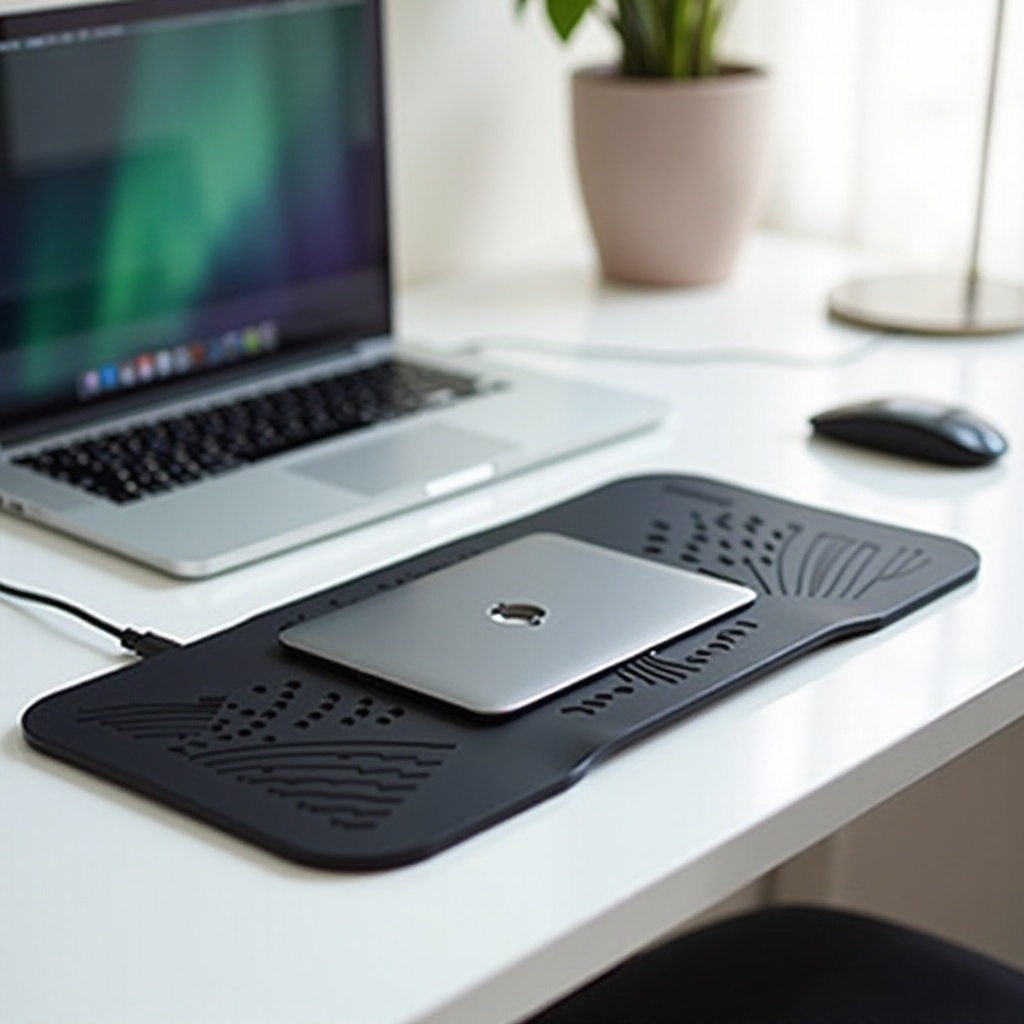
Top 5 Best Rated Laptop Cooling Pads of 2024
The market offers numerous cooling pads, but these five stand out for their performance and customer satisfaction:
- Cooler Master Notepal X3:
-
This model’s powerful 200mm fan provides excellent cooling with minimal noise. Its blue LED adds a stylish touch, and the ergonomic design ensures comfort during extended use.
-
HAVIT HV-F2056 Cooling Pad:
-
Featuring three ultra-quiet fans and a slim, lightweight design, this pad is ideal for travelers. It also offers adjustable height settings for better usability.
-
Thermaltake Massive 20 RGB:
-
Known for its large 200mm fan and customizable RGB lighting, this cooling pad effectively combines aesthetics with performance.
-
TopMate C5 Gaming Laptop Cooler:
-
Designed for gamers, this model boasts five fans, an adjustable height stand, and an LCD screen to control fan speeds and lights.
-
Klim Wind Laptop Cooling Pad:
- Four fans deliver efficient cooling across a large surface area. It’s sturdy and stable, appealing to those seeking performance and affordability.
These cooling pads excel in various areas, from design to cooling efficiency, providing excellent options for any user.
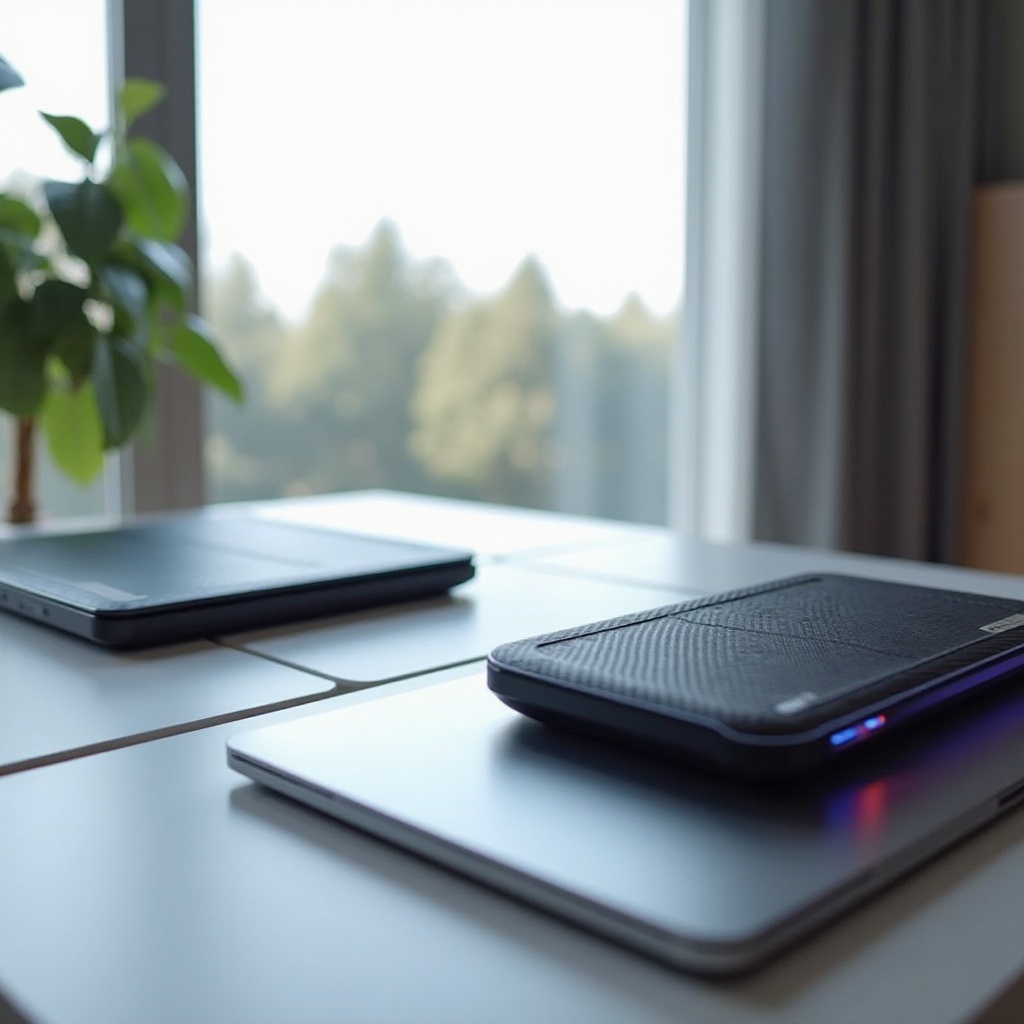
Comparative Analysis and User Reviews
User reviews highlight the significant temperature reduction achieved by these cooling pads. Generally, users appreciate the noise level balance and cooling performance. Models like the Cooler Master Notepal X3 and HAVIT HV-F2056 are praised for their portability and lightweight designs, which suit users constantly on the move.
A comparative analysis shows pads with larger fans offer better cooling but may produce slightly more noise. Many users report improvements in performance and laptop lifespan, reinforcing their value as investments.
Tips for Maintaining Your Laptop Cooling Pad
Maintaining your cooling pad is crucial for long-term effectiveness. Here are some tips:
- Clean Regularly: Use compressed air to remove dust from fans and vents, ensuring maximum airflow.
- Check Connections: Ensure USB connections and fan settings are functional.
- Store Properly: Store in a safe place to avoid physical damage when not in use.
Following these steps will help maintain your cooling pad’s performance.
Conclusion
Investing in a quality laptop cooling pad can significantly extend your device’s life and performance. By focusing on key features like cooling technology, build quality, and portability, you can find a pad that suits your needs. The top-rated cooling pads of 2024 offer excellent choices, with user reviews affirming their efficiency. Consider a cooling pad a worthwhile investment for maintaining your laptop’s health.
Frequently Asked Questions
How often should I clean my laptop cooling pad?
Clean your laptop cooling pad monthly to ensure fans remain free of dust and debris, maintaining optimal performance.
Can a cooling pad improve my laptop’s performance significantly?
Yes, by keeping temperatures low, cooling pads prevent thermal throttling, maintaining consistent performance during intensive tasks.
Are there specific cooling pads recommended for gaming laptops?
The TopMate C5 and Thermaltake Massive 20 RGB are designed for gaming laptops, offering high airflow and additional customization.