

 By
By Introduction
Your Xbox controller plays a pivotal role in your gaming experience, and when it refuses to charge, it can be incredibly frustrating. Understanding the potential causes of this issue can help in finding the right solution, allowing you to return to your gaming adventures without undue delay.
Understanding the Xbox Controller’s Charging System
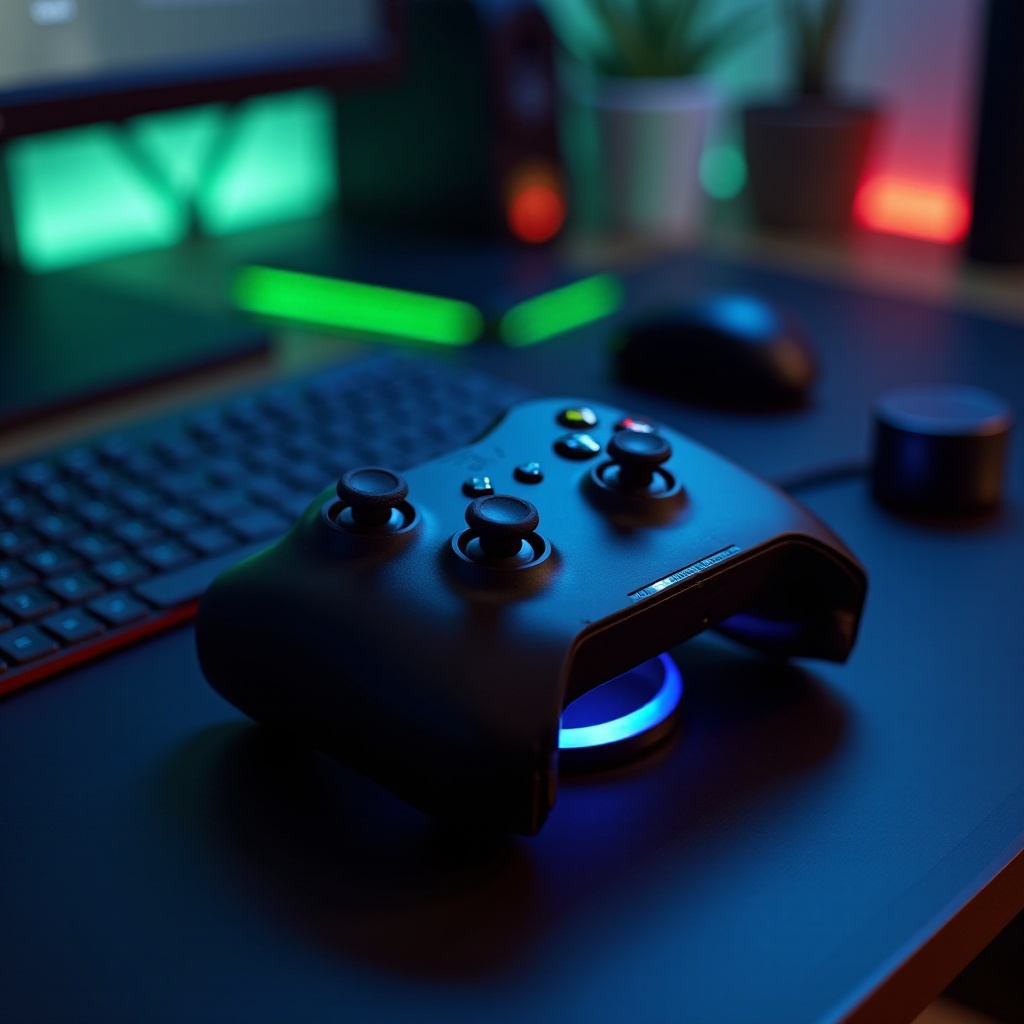
Before we begin troubleshooting, it’s important to grasp how your Xbox controller’s charging mechanism functions. Whether you’re using a wired, wireless, or rechargeable battery pack model, each has specific components that must work correctly for effective charging. By understanding these, you can better identify where things may have gone wrong.
Common Reasons Why Your Xbox Controller Won’t Charge
Numerous factors might contribute to your Xbox controller’s charging failure. Identifying these factors is critical in determining the correct fix.
Battery Issues
The most common culprit behind charging problems is the battery. If the battery is old or faulty, it may not hold a charge, causing your controller to remain powerless.
Faulty Charging Cable or Port
A worn-out charging cable or a malfunctioning port can also be responsible for charging failures. Ensuring your connections are secure and free from damage is crucial.
Software Glitches
Sometimes, internal software issues might block the charging process. Ensuring your controller’s firmware is current helps prevent these glitches.
Step-by-Step Troubleshooting Guide
Now that we’ve highlighted potential causes, let’s explore detailed solutions to resolve these issues.
- Check Your Battery and Charging Cable:
- Remove the battery (if removable) and inspect it for any visible signs of damage, such as corrosion.
-
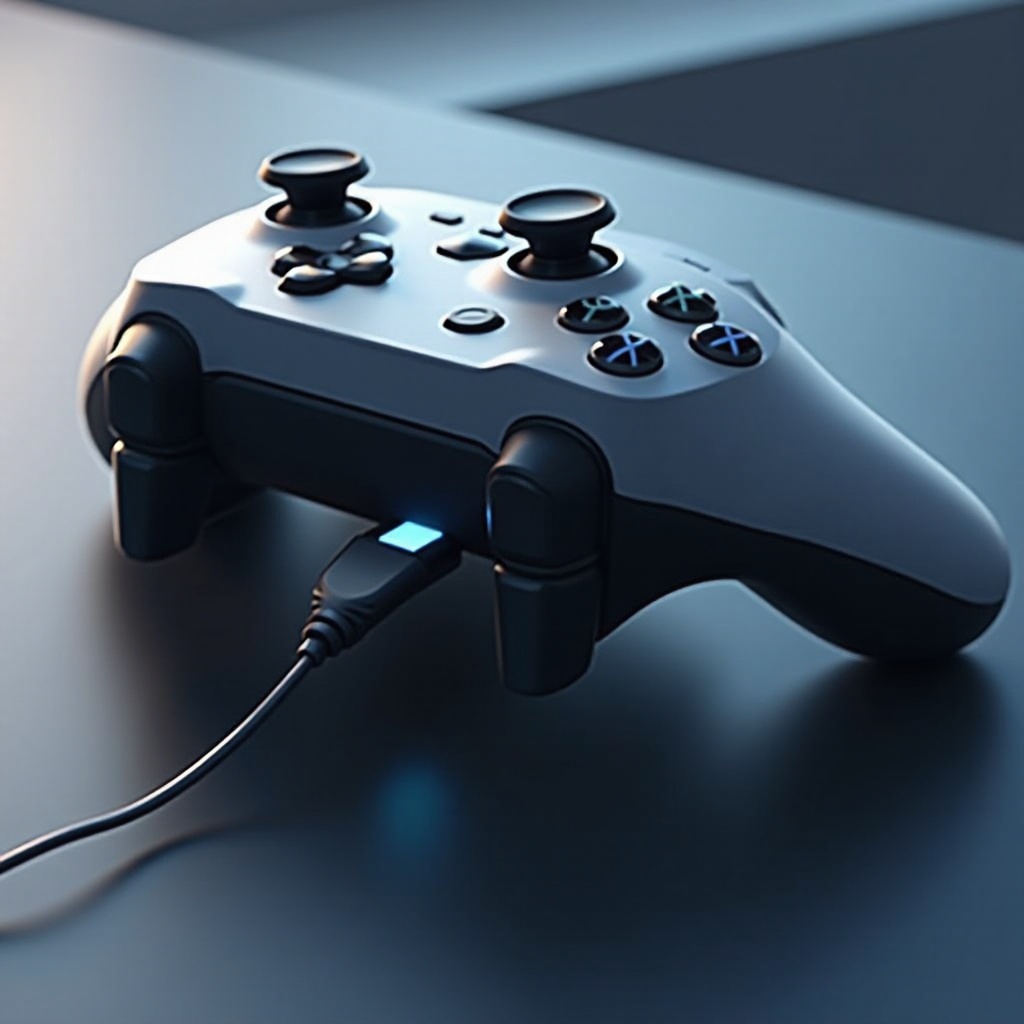
Test a different charging cable or use the current cable on another device to pinpoint any faults.
-
Inspect the Charging Port:
- Carefully clean the port to remove dust or debris that could impede proper charging.
-
Check for physical damage or signs of looseness in the port.
-
Restart the Controller and Console:
- Sometimes, restarting the controller and console can clear minor bugs. Disconnect from power, wait a few minutes, and then start both devices again.
Advanced Solutions for Persistent Charging Problems
If basic troubleshooting hasn’t remedied the problem, consider venturing into more advanced solutions.
Replacing the Battery Pack
Repeated charging failures may signal that it’s time to swap the battery pack. Choose batteries recommended by the manufacturer for peak performance.
Firmware Updates and Resets
Check your console’s settings to ensure your controller has the latest firmware updates. These updates can resolve charging issues arising from outdated firmware. If no improvement is seen, consider performing a factory reset, but proceed cautiously to avoid data loss.
When to Seek Professional Help
If all attempts fail and the controller remains uncharged, professional assistance could be necessary. Hardware malfunctions might require expert intervention to avoid exacerbating the issue. Consult Xbox support or visit an authorized repair center for help.
Preventative Tips for Long-Term Use
For optimal long-term function of your controller, adhere to these maintenance tips to keep it performing well over extended periods.
Proper Charging Cycles
Avoid overcharging by unplugging the controller once it reaches full charge. This practice helps prolong battery life and maintain performance.
Storage Tips for Longer Battery Life
Store your controller in a cool, dry environment. High temperatures and moisture can degrade battery performance over time.
Conclusion
Facing a non-charging Xbox controller is certainly inconvenient, but most issues are manageable with the right steps. By diagnosing the cause, whether it’s battery issues or software glitches, you can effectively address the problem and get back to uninterrupted gaming.
Frequently Asked Questions
Why is my Xbox controller not charging even with a new battery?
A new battery not working may indicate issues with the charging cable or port, or it could require a firmware update for resolution.
Can a faulty charging cable affect the charging process?
Absolutely, a damaged or incorrect cable can result in irregular or non-existent charging. Using certified accessories is recommended.
How often should I update my controller firmware?
Regularly check and install firmware updates, particularly if charging issues arise, to ensure optimal performance and compatibility.